

Common Printing Mistakes Businesses Make
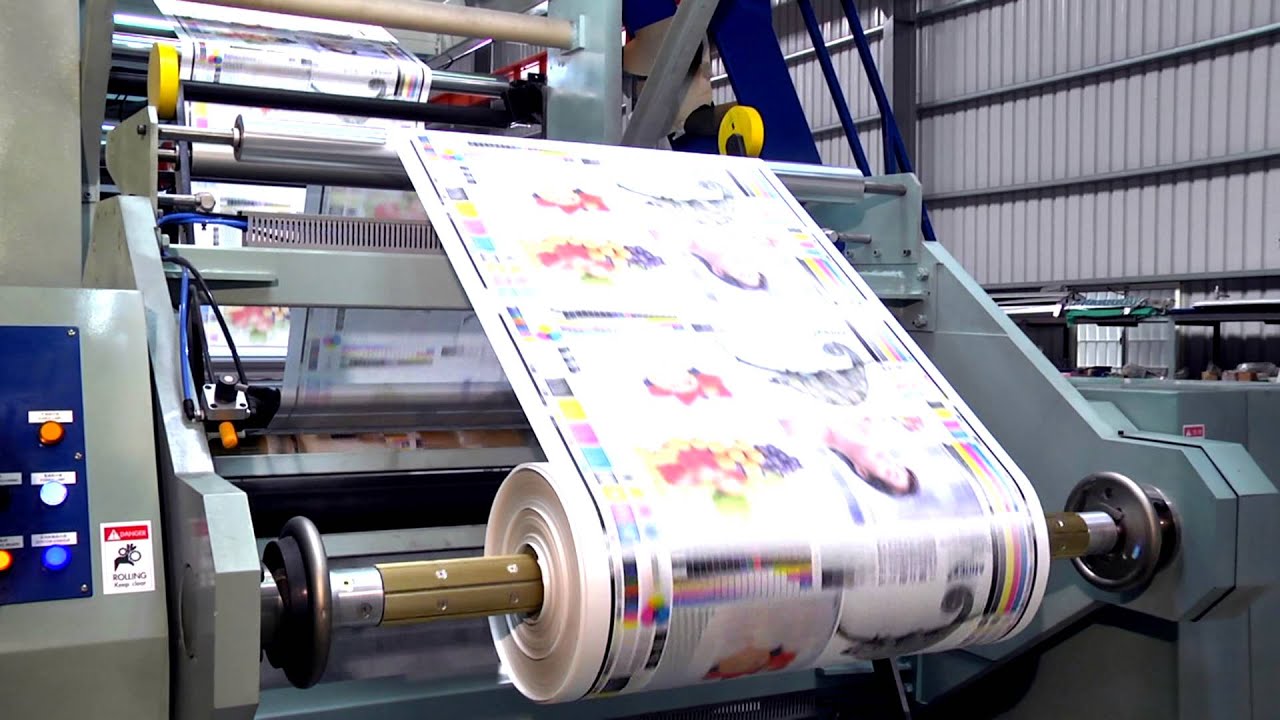
Printing problems are more common than many businesses realize.
A brochure may arrive with blurry images. Business cards might use colors that don’t match the company’s branding. A banner could end up too small to read from a distance. Sometimes materials are ordered too late and miss an important event entirely.
For decades, at Gibson Printing, we have serviced businesses in St. Peters and St. Charles County, and many printing problems we encounter are avoidable with the proper preparation and guidance.
From brochures to signage, promotional products, booklets, and marketing materials, it can save you time, money and frustration to avoid a few common mistakes when ordering for the first time.
Using Low-Quality Images
One of the most common printing problems starts with image quality.
A graphic may look sharp on a phone or computer screen but print poorly when enlarged. This happens often with logos pulled from websites, screenshots, or compressed social media graphics.
For example, a local business preparing for a trade show might submit a banner design using small online images. Once printed at full size, the graphics appear blurry or pixelated.
Professional printing requires higher-resolution files than most digital platforms.
Before sending artwork to print, it’s important to use:
- high-resolution images
- vector logos when possible
- properly sized graphics
- original design files instead of screenshots
Small file issues can become very noticeable once materials are printed at large scale.
Waiting Until the Last Minute
Printing projects almost always take longer when changes happen at the last minute.
Businesses often underestimate the time needed for:
- file review
- proof approvals
- design adjustments
- finishing options
- production
- delivery or pickup
This becomes especially common before:
- community events
- school functions
- networking events
- trade shows
- seasonal promotions
- grand openings
We’ve seen businesses rush brochure orders the day before an event only to realize important details were missing or incorrect. Allowing extra time gives businesses more flexibility and reduces costly mistakes.
Planning ahead almost always leads to better results.
Ignoring Bleed and Margin Requirements
Many businesses are unfamiliar with print setup requirements, especially bleed and safe margins.
Without proper bleed settings, designs can print with unwanted white edges around the page. Text placed too close to the edge may also get trimmed during production.
This issue is especially common with:
- flyers
- postcards
- brochures
- menus
- booklets
Online design platforms sometimes make these settings confusing for first-time users.
A properly prepared print file helps ensure the finished product looks clean and professional after trimming.
Choosing the Cheapest Paper Option
Paper quality affects how customers perceive a business.
Thin paper stock may save money initially, but it can also make brochures, postcards, or presentation materials feel less professional. On the other hand, thicker stocks or specialty finishes can improve durability and create a stronger first impression.
The best paper choice depends on the project itself.
For example:
- restaurant menus may need durability
- luxury brochures often benefit from premium stock
- postcards may require heavier material for mailing
- presentation folders should feel sturdy and professional
Many businesses don’t realize how much paper selection impacts the final appearance until they compare samples in person.
Overcrowding the Design
Trying to fit too much information into a printed piece is another common issue.
Businesses sometimes add excessive text, multiple fonts, crowded images, or too many colors in an attempt to include everything at once. The result can feel overwhelming and difficult to read. Clear, organized layouts usually perform better.
Good print design focuses attention on:
- the main message
- contact information
- branding
- readability
- visual balance
Simple designs often create a stronger impression than cluttered ones.
Using Different Branding Across Materials
Consistency matters more than many businesses realize.
A company may use one logo version on business cards, different colors on brochures, and another font style on signage. Over time, inconsistent branding can make marketing materials look disconnected.
Professional printing works best when businesses maintain consistent:
- colors
- fonts
- logos
- messaging
- layouts
This creates a more recognizable and trustworthy brand image across all materials.

Ordering the Wrong Size for the Project
Size plays a major role in print effectiveness.
A banner that’s too small may not be readable from a distance. A postcard that’s oversized may increase mailing costs unnecessarily. Booklets with incorrect dimensions can create layout problems during printing.
Before placing an order, businesses should think about:
- where the material will be displayed
- viewing distance
- portability
- mailing requirements
- storage needs
The right size depends on how the material will actually be used in real-world situations.
Not Reviewing the Final Proof Carefully
Even professionally designed materials can contain mistakes if the final proof isn’t reviewed carefully.
Common issues include:
- phone number errors
- outdated addresses
- spelling mistakes
- incorrect dates
- low-contrast text
- alignment problems
Reviewing proofs slowly — preferably with a second set of eyes — can prevent expensive reprints later.
This step becomes especially important for large print runs or event materials with deadlines.
Working With a Printer Who Doesn’t Understand Your Goals
Not every printing project is simply about putting ink on paper.
Businesses often need help choosing materials, improving layouts, adjusting colors, or finding practical solutions that fit their budget and timeline. Working with an experienced local print team can make the process smoother from start to finish.
At Gibson Printing, we regularly help businesses throughout the area avoid common printing problems before production even begins.
Sometimes a quick conversation early in the process can save significant time and frustration later.
Professional Printing Starts With Good Preparation
Most printing mistakes are preventable with proper planning, file preparation, and communication.
Whether you’re preparing marketing materials for a local event, updating business cards, creating signage, or ordering promotional products, paying attention to small details early can make a major difference in the final result.
At Gibson Printing, we’re proud to help businesses throughout St. Peters and the surrounding area with:
backed by decades of experience.
If you have an upcoming project and want help avoiding costly printing issues before production starts, our team is always happy to help guide you through the process.
